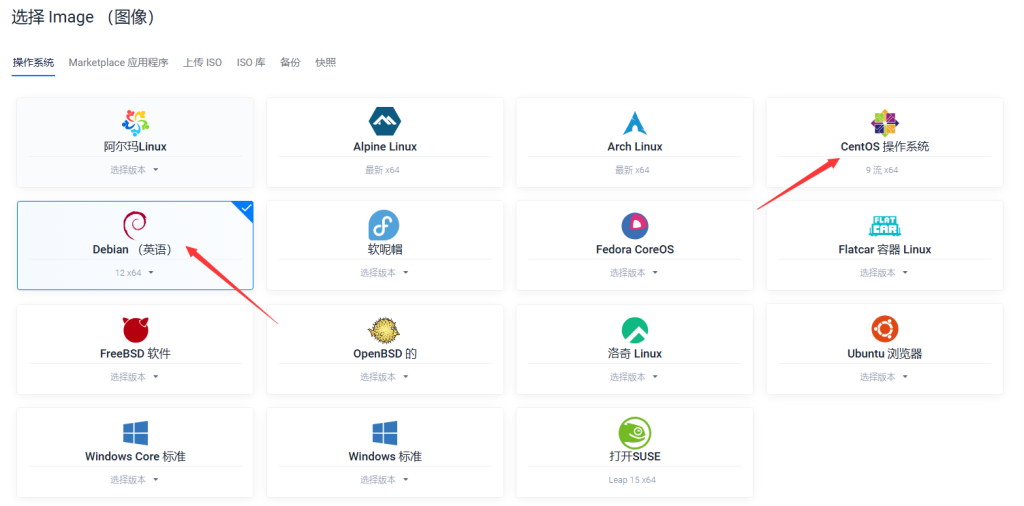
vultr官网注册使用测试更加方便
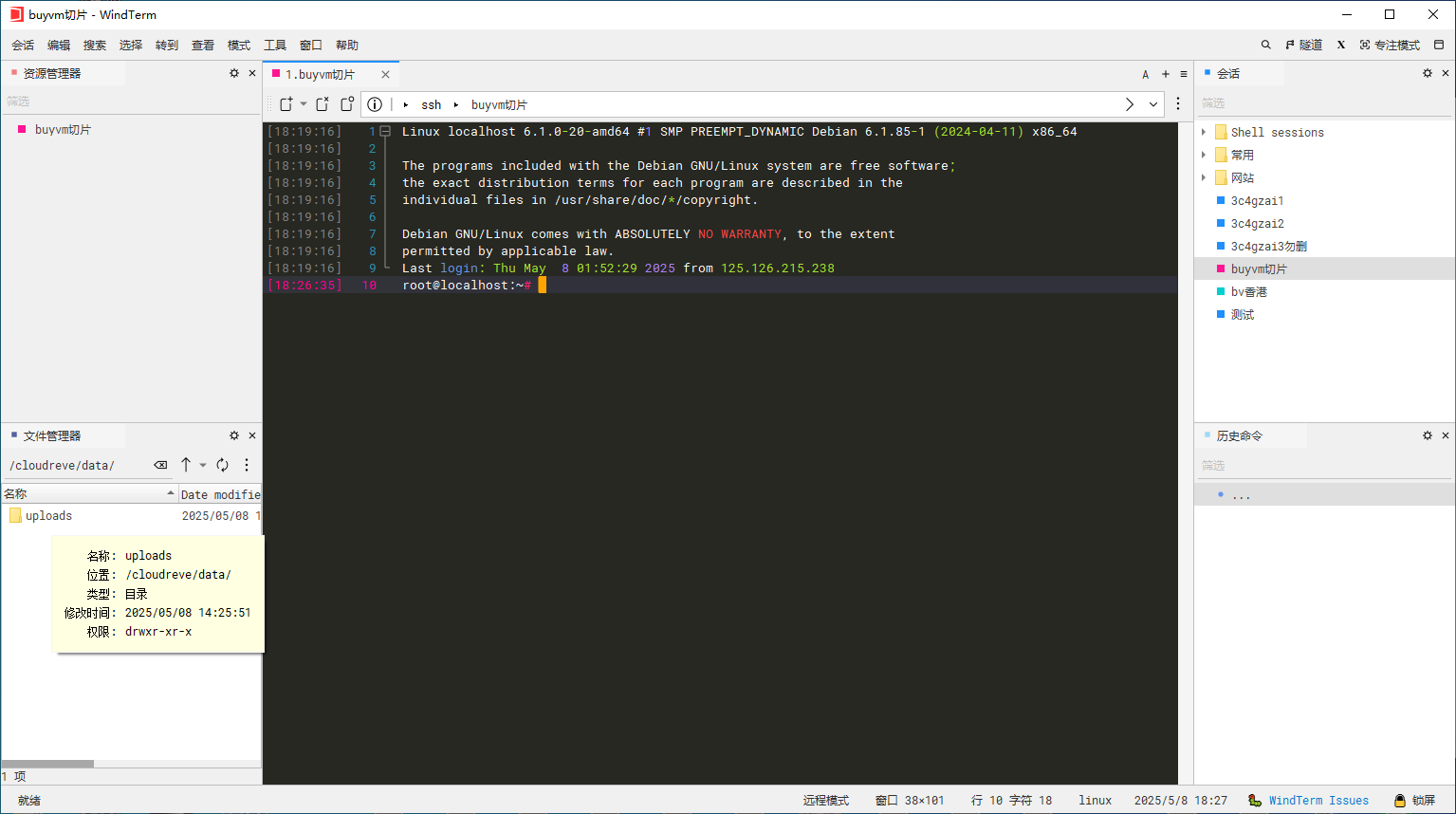
修改默认 SSH 端口是增强服务器安全性的一个常见步骤。 默认情况下,SSH 服务使用 22 端口。 如果你想更改它,你可以按照以下步骤操作:
连接SSH后输入命令
sudo nano /etc/ssh/sshd_config
在下面代码中先添加一个端口防止无法连接主机
添加任意端口确定前面无#
Port 1234
Port 22
# This is the sshd server system-wide configuration file.  See
# sshd_config(5) for more information.
# This sshd was compiled with PATH=/usr/local/bin:/usr/bin:/usr/local/sbin:/usr/sbin
# The strategy used for options in the default sshd_config shipped with
# OpenSSH is to specify options with their default value where
# possible, but leave them commented.  Uncommented options override the
# default value.
# To modify the system-wide sshd configuration, create a  *.conf  file under
#  /etc/ssh/sshd_config.d/  which will be automatically included below
Include /etc/ssh/sshd_config.d/*.conf
# If you want to change the port on a SELinux system, you have to tell
# SELinux about this change.
# semanage port -a -t ssh_port_t -p tcp #PORTNUMBER
Port 1234
Port 22
#AddressFamily any
#ListenAddress 0.0.0.0
#ListenAddress ::
#HostKey /etc/ssh/ssh_host_rsa_key
#HostKey /etc/ssh/ssh_host_ecdsa_key
#HostKey /etc/ssh/ssh_host_ed25519_key
# Ciphers and keying
#RekeyLimit default none
CRL+x
y保存设置回车确认
输入
reboot
重启,或者手动后台重启
用端口1234连接SSH成功连接删除22端口
如果连接不上先用22端口连接放行端口
可能需要手动放行端口1234
sudo iptables -A INPUT -p tcp --dport 1234 -j ACCEPT
尝试用端口1234连接SSH
确保连接成功在删除,或者在前面添加#
#Port 22
添加SSH密钥登陆请阅读 使用密钥登录清除需要密码登陆