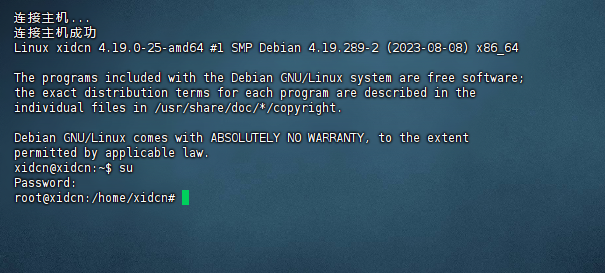
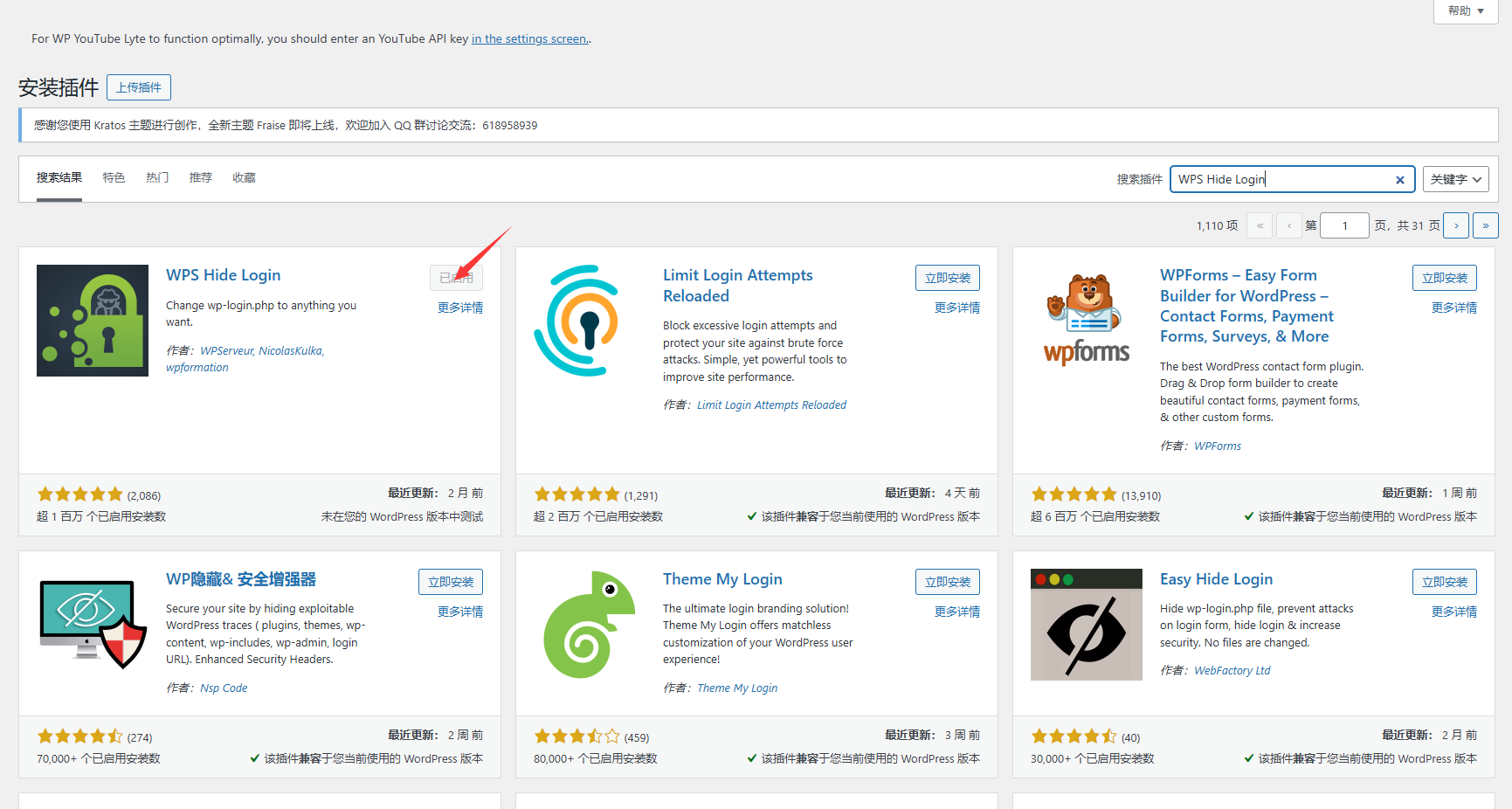
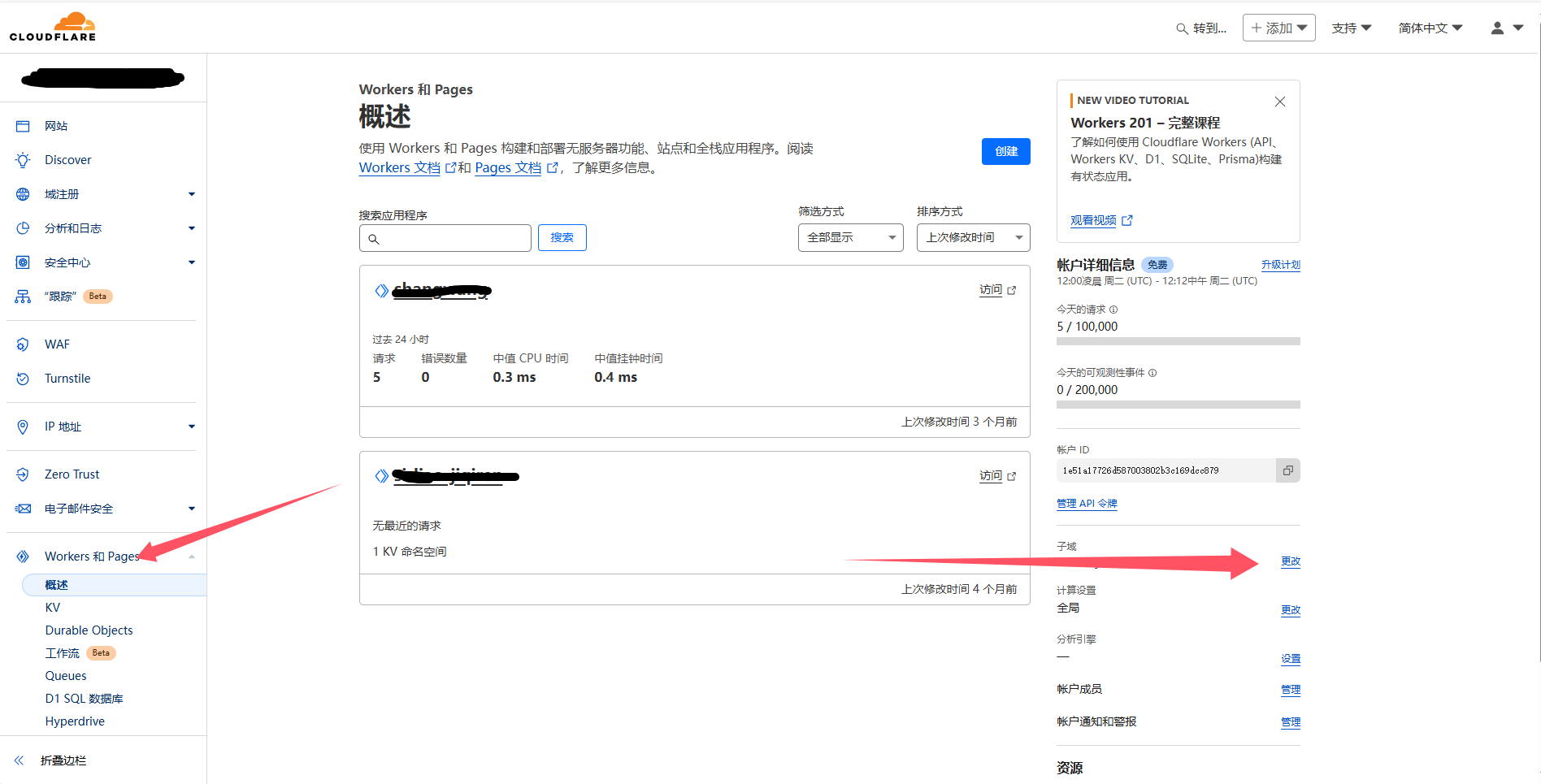
更新系统
apt update && apt upgrade
安装caddy2逐行发送
apt update
apt install sudo -y

sudo apt install -y debian-keyring debian-archive-keyring apt-transport-https

curl -1sLf 'https://dl.cloudsmith.io/public/caddy/stable/gpg.key' | sudo gpg --dearmor -o /usr/share/keyrings/caddy-stable-archive-keyring.gpg

curl -1sLf 'https://dl.cloudsmith.io/public/caddy/stable/debian.deb.txt' | sudo tee /etc/apt/sources.list.d/caddy-stable.list

sudo apt install caddy
编辑 Caddy 配置文件
sudo nano /etc/caddy/Caddyfile
删除原本内容添加内容为
替换你的域名与端口
www.123.com {
	reverse_proxy 127.0.0.1:8008 {
		header_up X-Real-IP {http.request.header.CF-Connecting-IP}
		header_up X-Forwarded-For {http.request.header.CF-Connecting-IP}
	}
}
如果你希望根域名也转到www或其他子域名
可以这样配置123.com替换你自己的域名
http://123.com {
        redir https://www.123.com{uri} permanent
}
123.com {
        tls [email protected]
        redir https://www.123.com{uri} permanent
        reverse_proxy 127.0.0.1:8080 {
		header_up X-Real-IP {http.request.header.CF-Connecting-IP}
		header_up X-Forwarded-For {http.request.header.CF-Connecting-IP}
	}
}

http://www.123.com {
        redir https://{host}{uri} permanent
}
www.123.com {
        tls [email protected]
        reverse_proxy 127.0.0.1:8080 {
		header_up X-Real-IP {http.request.header.CF-Connecting-IP}
		header_up X-Forwarded-For {http.request.header.CF-Connecting-IP}
	}
}
检查caddy格式
sudo caddy fmt --overwrite /etc/caddy/Caddyfile
重新加载 Caddy 配置
运行caddy
caddy reload --config /etc/caddy/Caddyfile --adapter caddyfile

systemctl restart caddy
默认证书存储路径(自动 HTTPS 模式)
/var/lib/caddy/.local/share/caddy/certificates/
修改配置后也需要重新运行上面代码